How to get back text you typed in a web form after a crash or logout
The manual way
Sometimes pressing Back restores what you typed, and Ctrl+Shift+T (⌘⇧T on Mac) reopens a closed tab. Neither works after a crash, a logout, or a form that clears itself after a failed submit.
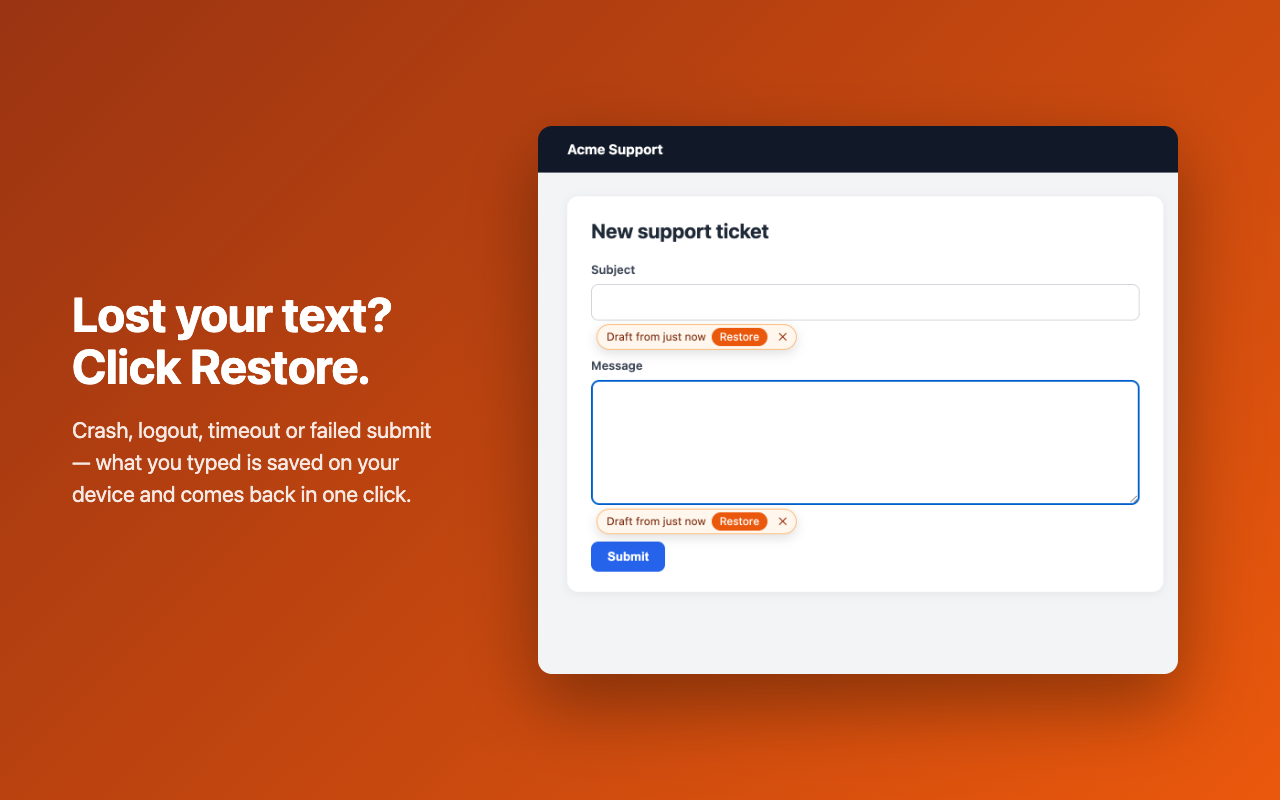
With Draft Rescue
- Install Draft Rescue before you need it: it saves what you type in web forms on your device as you go.
- If the page loses your text, click into the empty field.
- Click Restore on the chip that appears. Password, card and one-time-code fields are never saved.