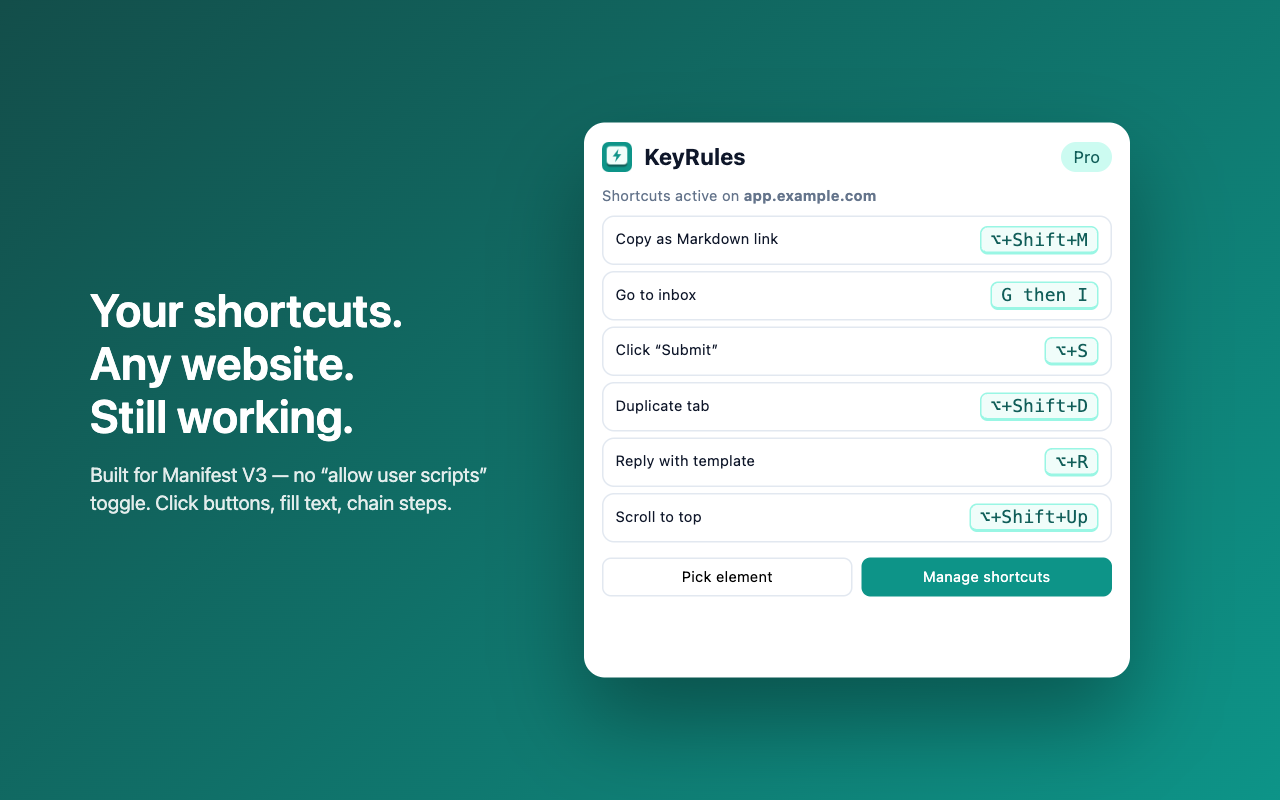
How to make your own keyboard shortcuts for any website in Chrome
The manual way
Chrome only lets you change shortcuts for extensions (at chrome://extensions/shortcuts), not for buttons on websites. Older shortcut extensions now need a hidden “Allow user scripts” setting since Manifest V3.
With KeyRules
- Open KeyRules and click Record, then press the key combination you want.
- Pick an action: go to a URL, switch tabs, scroll, or copy the page as a Markdown link.
- Use it on any site. Pro can click a button you point at, type text, and chain several steps on one key.