How to highlight several words on a web page at once
The manual way
Chrome’s find bar (Ctrl+F or ⌘F) highlights one word at a time, so checking a page for ten terms means ten searches, and nothing tells you which ones are missing.
With MarkWise
- Open MarkWise and paste your keyword list, one term per line.
- Open the page you are reviewing — a profile, a job post, a contract.
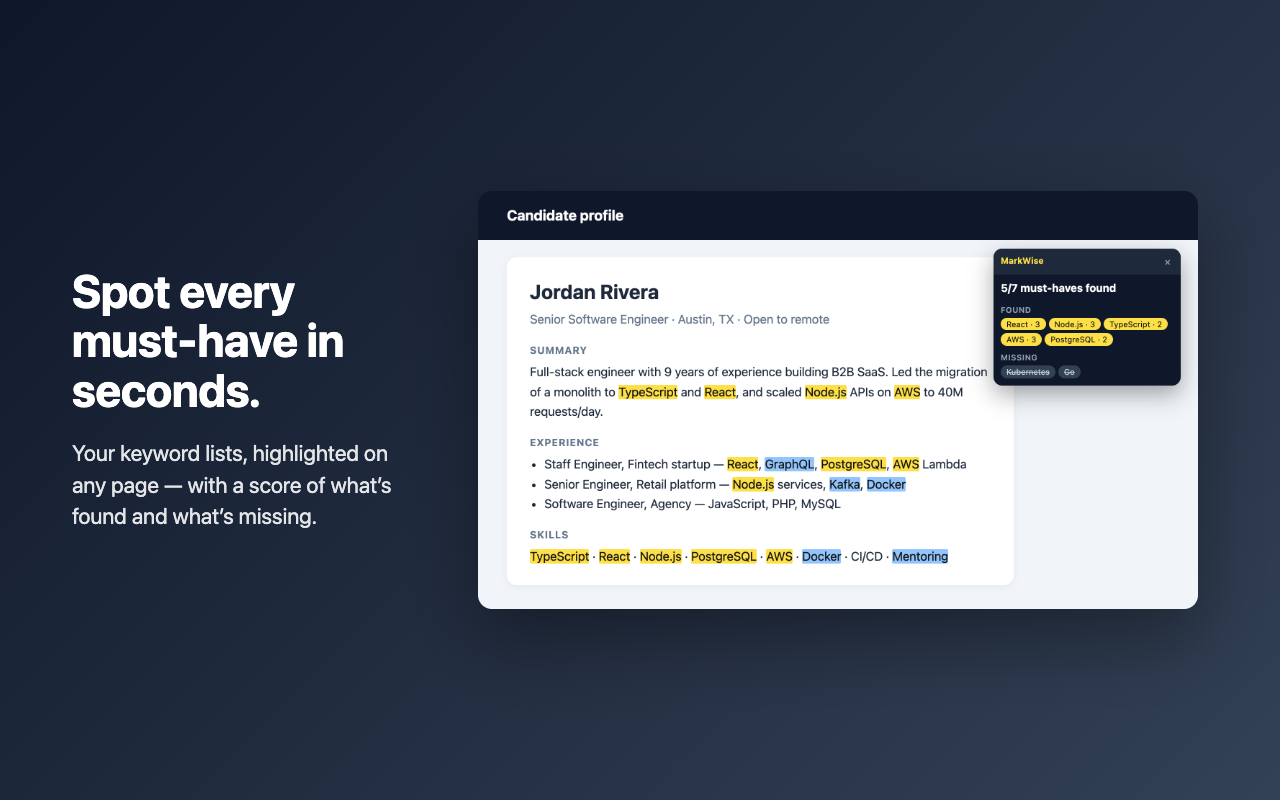
- Click Highlight (or press Alt+Shift+H). Every term lights up, with a count for each.
- Pro shows a must-have score: which terms were found and which are missing.