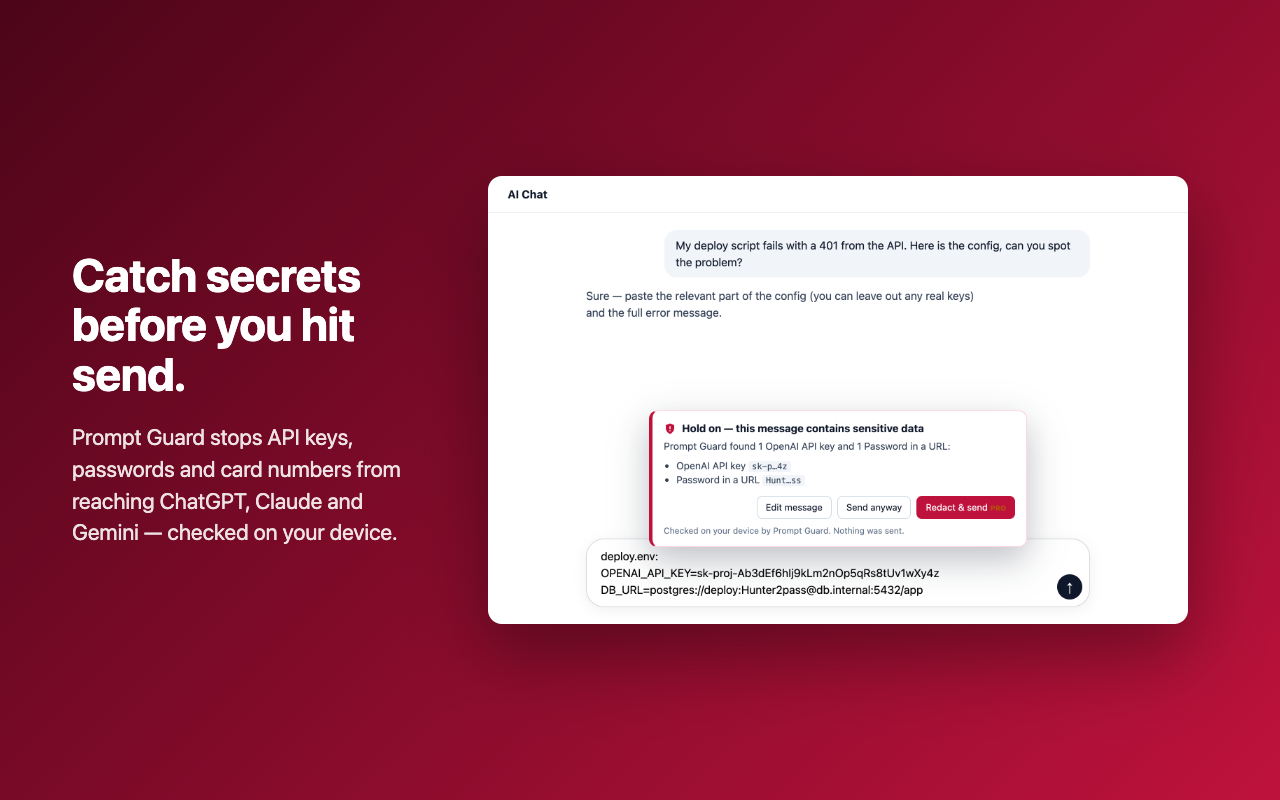
How to avoid pasting API keys and passwords into ChatGPT, Claude or Gemini
The manual way
Before pasting a config file or a log into an AI chat, search it for keys, tokens and passwords and replace them with placeholders. It is easy to miss one when you are in a hurry.
With Prompt Guard
- Install Prompt Guard. It checks what you paste and what you are about to send on ChatGPT, Claude and Gemini, on your own computer.
- If a message contains an API key, password or card number, it stops the message and shows what it found.
- Choose: edit the message, send anyway, or (Pro) redact the secret and send the rest.