How to create text shortcuts for emails you type again and again
The manual way
Gmail has a built-in option: Settings → See all settings → Advanced → Templates → Enable. Then save a draft as a template from the ⋮ menu in a new message. It works only in Gmail and takes a few clicks each time.
With SnipKey
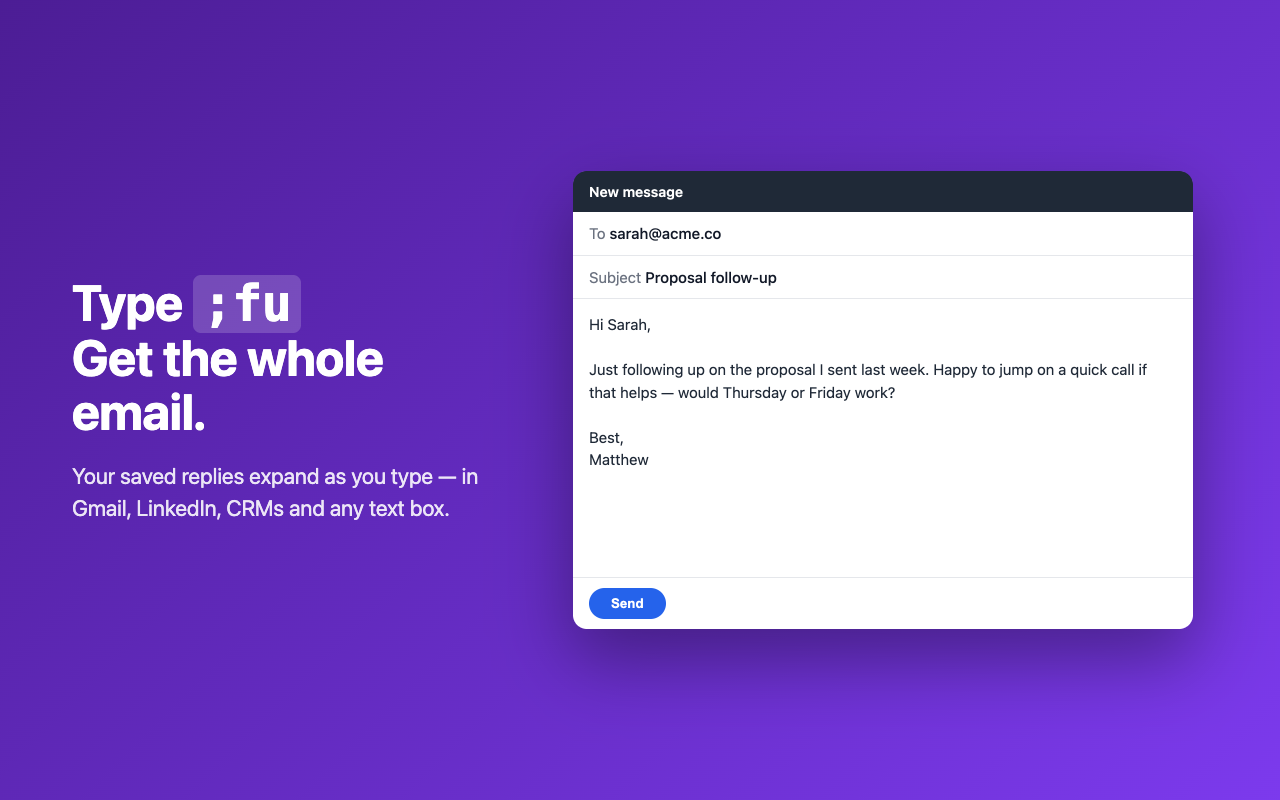
- Open SnipKey and add a snippet: a short trigger like
;fuand the text it should become. - In any text box — Gmail, LinkedIn, a CRM, a help desk — type the trigger.
- SnipKey replaces it with the full text as you type. Pro adds fill-in fields like a first name.